How to create a new project
To create a new project when no view are displayed, follow this procedure:
| 1. | Select  ► New... or click on ► New... or click on icon in the standard tool bar. A time view is added and is displayed in the Delph INS Subsea main window: icon in the standard tool bar. A time view is added and is displayed in the Delph INS Subsea main window: |
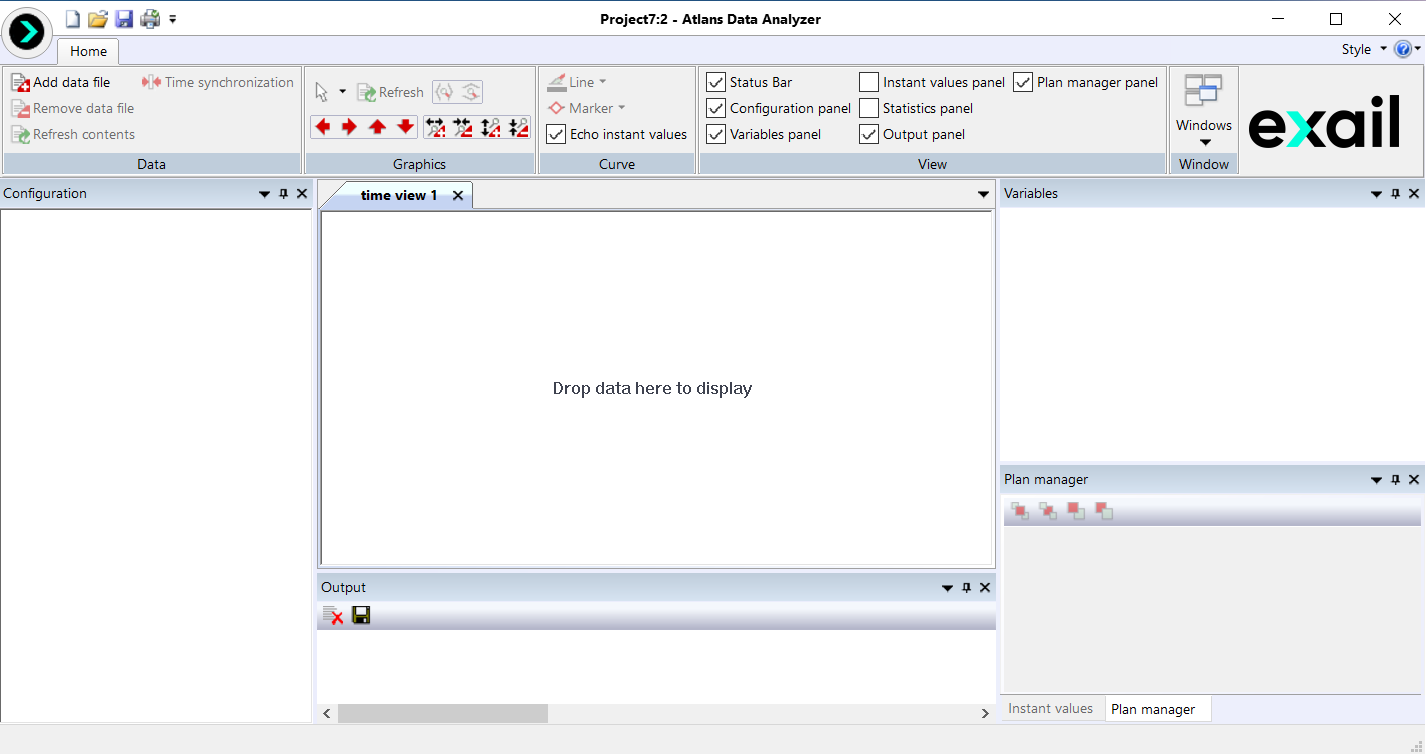
| 2. | You can now add data file. |
| 3. | Save the project by clicking on  icon. Type a name for the project then click on Save button. icon. Type a name for the project then click on Save button. |