Opening an Existing Project
Two means are available to open an existing project:
| > | Click on  ► Open or click on ► Open or click on  in the standard tool bar. A dialog box is displayed. Browse and select a *.poprjx file and click on Open. The project is loaded into Delph INS Subsea. in the standard tool bar. A dialog box is displayed. Browse and select a *.poprjx file and click on Open. The project is loaded into Delph INS Subsea. |
Or
| > | Click on and look at the right of the information. The recent project names are displayed: |
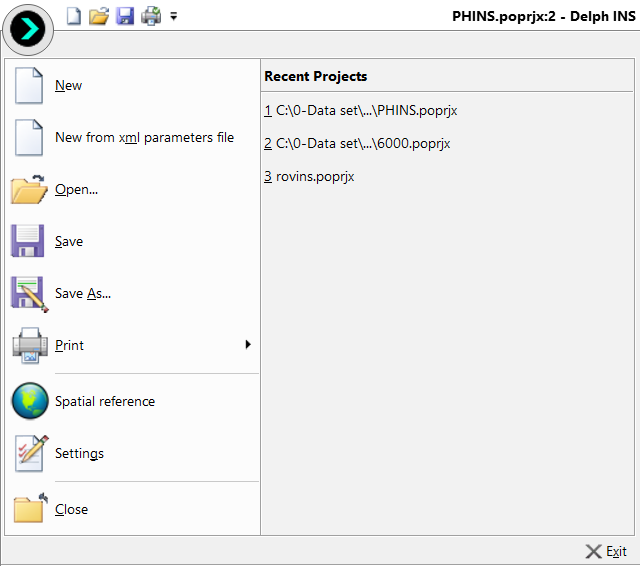
| > | Click on the recent project to be loaded, the project is loaded into Delph INS Subsea. |