Printing Graphics
You can print the graphics that are displayed by Delph INS Subsea. A print preview is also available. It allows you to adjust the appearance of the document before launching the actual printing. The printing preview keeps the size of the graphics unchanged in the final document.
| 1. | Select  ► Print ► Print Preview. The print preview is displayed; ► Print ► Print Preview. The print preview is displayed; |
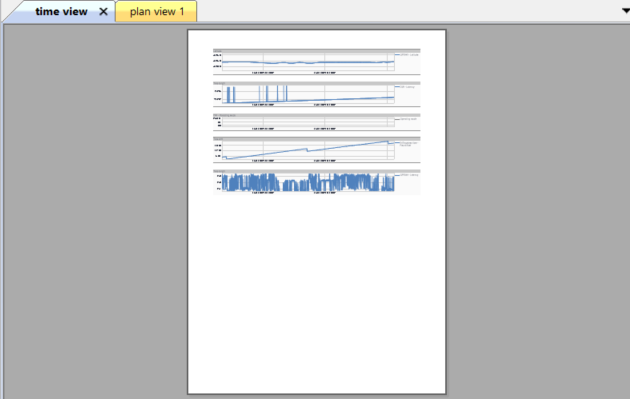
| 2. | Click on Zoom in or Zoom Out to check the document. |
| 3. | Click on Next Page or Prev Page to navigate through the document. |
| 4. | Click on ► Print ► Print setup. |
| 5. | Select the printer and the printing parameters then click OK. |

|
To print quickly, click on ► Print ► Quick Print. |