Displaying the GNSS Base Station in the Plan View
Delph INS Subsea allows you to view the GNSS base station along the trajectory in the plan view.

|
You can view the GNSS base station only with the Delph INS Subsea with GNSS raw data post-processing option.
|
| 1. | Add data file to the project, refer to Adding Data File. |
| 2. | Add a Plan view by clicking on Windows menu then select the New Plan view option: |
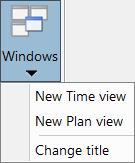
Select the Change title option to modify the title of the selected plan view.
| 3. | Click one data set (i.e. GPS#1) then move it to the Plan view (like drag and drop function). The trajectory is then displayed in the Plan view and the name of the data set is displayed in the Plan manager panel. |
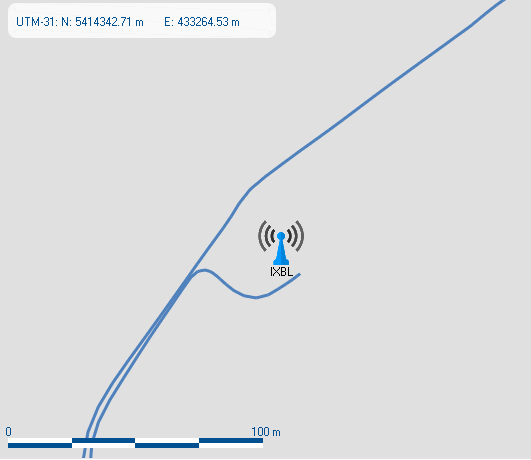
| 4. | Right click in the Plan view then select GNSS base stations. The base stations are displayed as follows: |