Displaying the distance traveled
|
|
Click on the picture to view the procedure: |
|
|

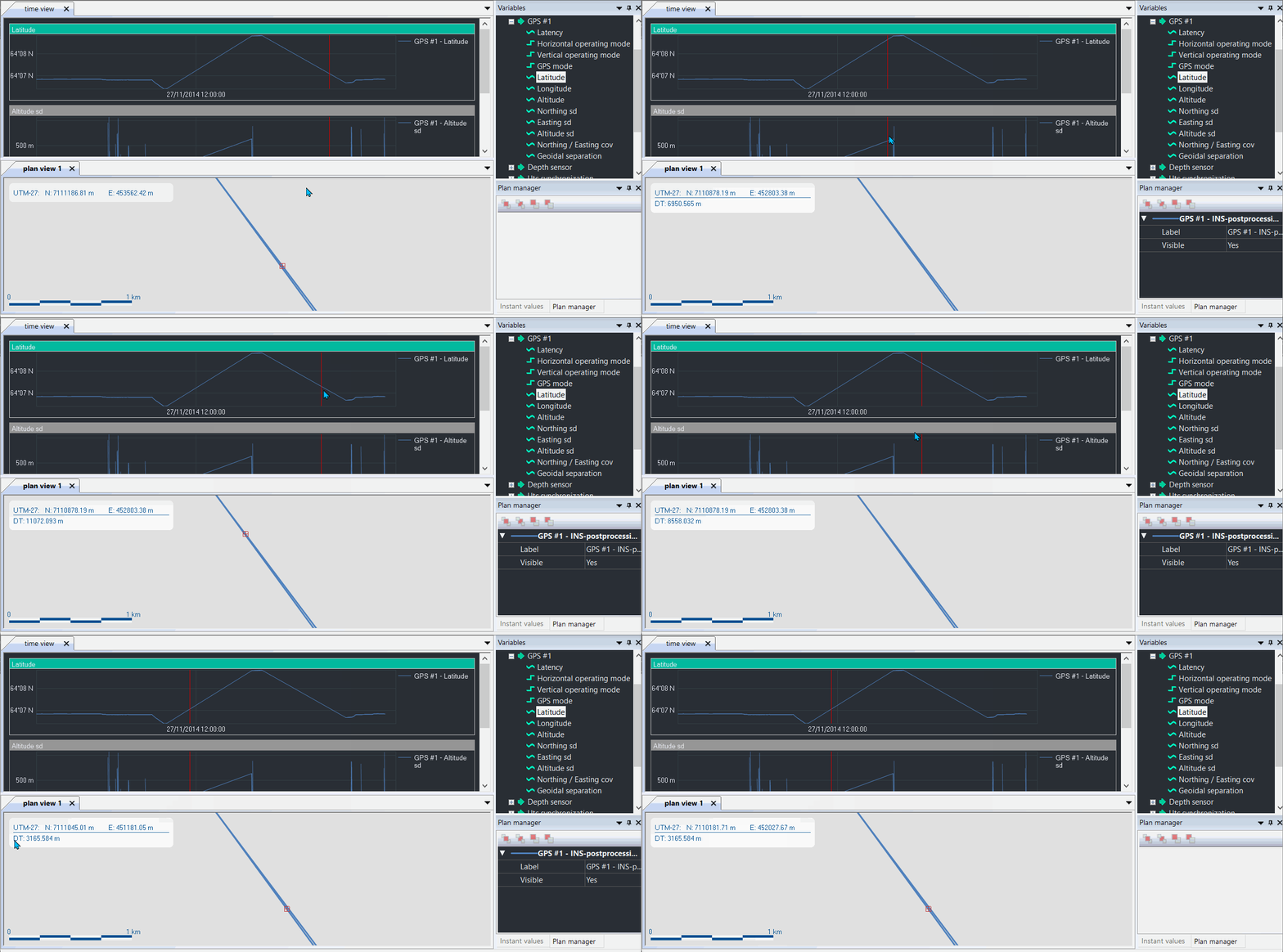
The distance traveled is the distance at the time cursor position. The traveled distance may be set to zero in order to calculate precisely a distance.
| 1. | Open a project or create a new project (refer to How to create a new project). |
| 2. | Drag and drop a variable from the Variables panel to the Time view. Then drag and drop the variable to the Instant values panel. |
| 3. | Add a New Plan view then drag and drop the data set to be displayed. Move the Plan view below the Time view. |
| 4. | In the Plan view, right click and select Distance traveled. This value is then displayed on the Plan view. |
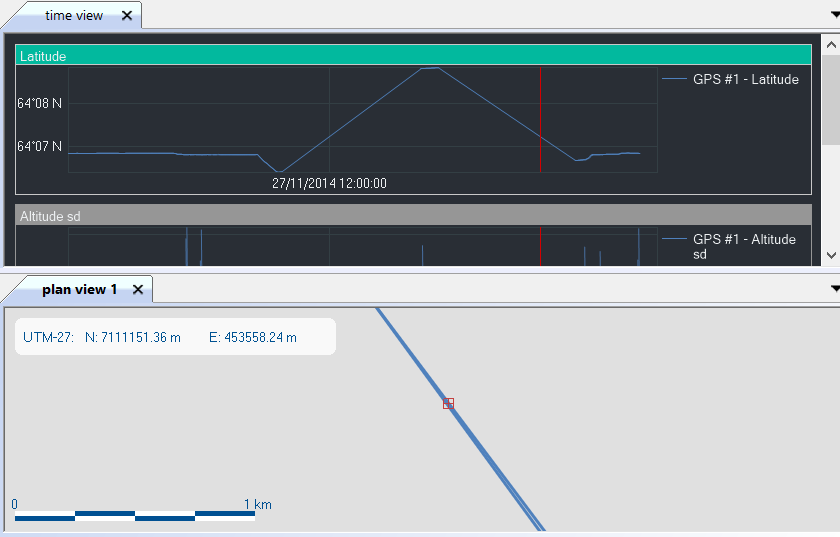
| 5. | To set the distance traveled to zero at a specific point, |
| > | on Time View right click at this point and select Reset distance traveled |
| > | Move the mouse or click on the point located on the trajectory, the traveled distance is then displayed on the Plan view with the distance from the zero point. |
n