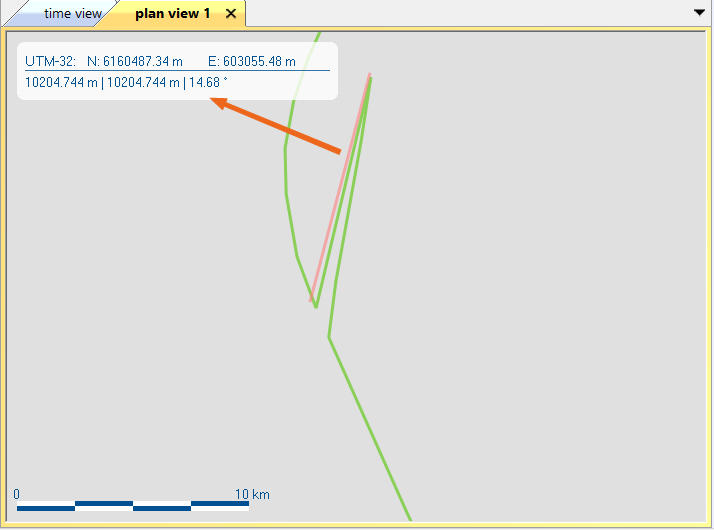
Measuring a Distance on the 2D Geographical View
|
|
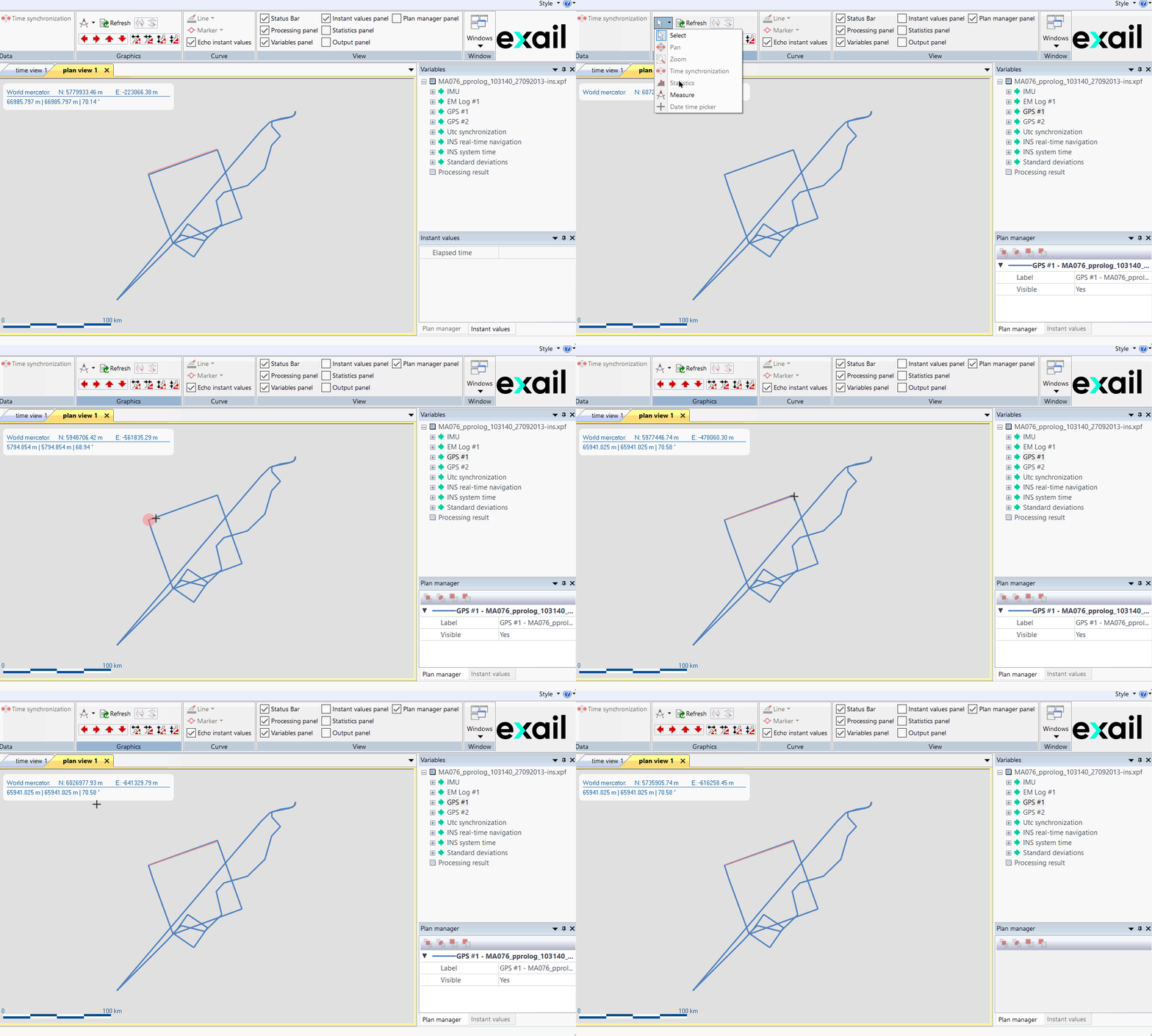
Click on the picture to view the procedure |
|


|
Measures can only made in the Plan view.
|
| 1. | Open a project or create a new project (refer to How to create a new project). |
| 2. | Add a New Plan view then drag and drop the data set to be displayed. |
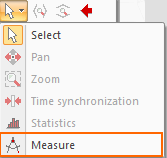
| 3. | Click on the white arrow in the Graphics icons then select Measure option. |
| 4. | Click on the 2D geographical view for the first point of the measure then release the mouse button at the second point: |
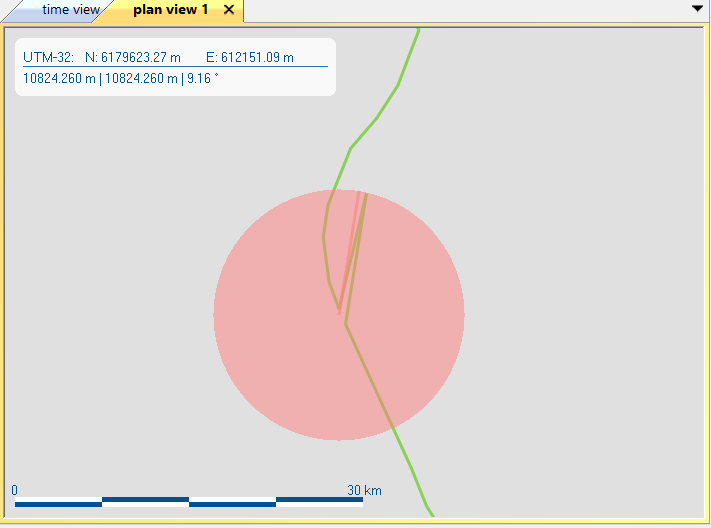
| 5. | The distance value is displayed on the Plan view and the measured distance is displayed by red line. |