Viewing Two Trajectories on the Same Plan View
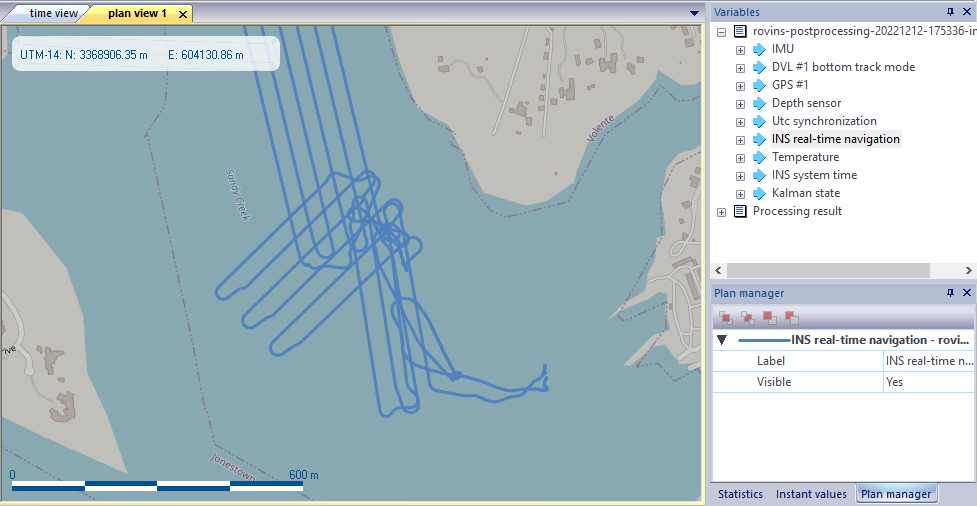
| 1. | Add data in a Plan view (refer to Displaying the data set in 2D geographical view), for example INS real-time navigation: |
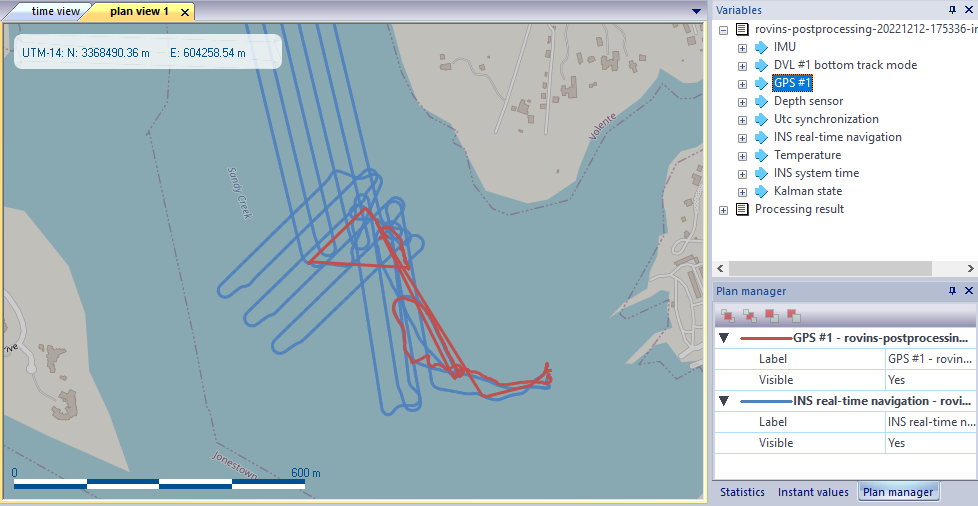
| 2. | Add another data in the same Plan view, for example GPS#1: |
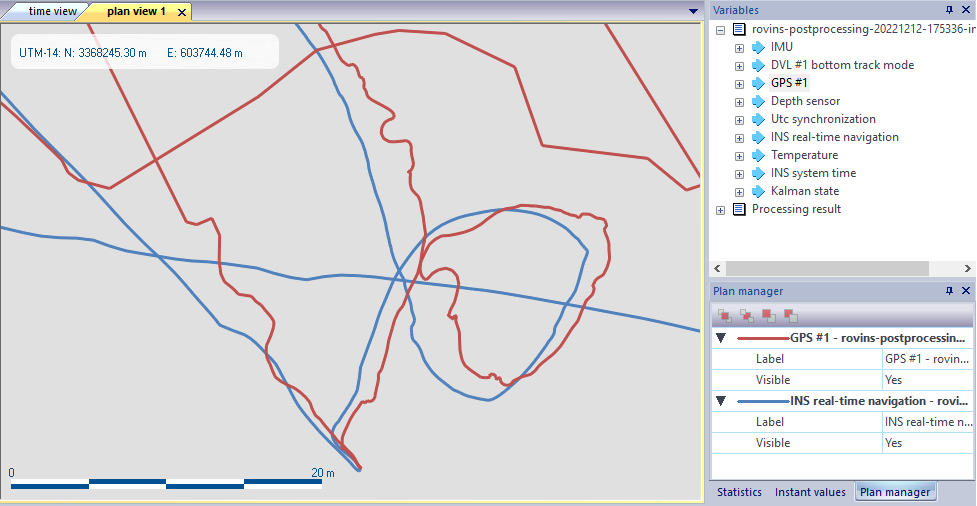
| 3. | Use the zoom (mouse wheel) to look at the difference between the two trajectories: |
| 4. | In Plan manager panel, you can also: |
| > | Bring to front or send to back to view one or the second 2D view first. |
| > | Bring forward or bring backward to increase or decrease the Z level of the selected view. |