Adding a Base Station without the GNSS Download Tool
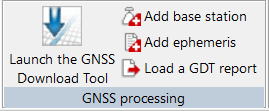
| 1. | In the Processing parameters tab ► GNSS processing group, click on Add a base station. |
| 2. | A base station is created in the Processing parameters at the left of the Delph INS Subsea: |
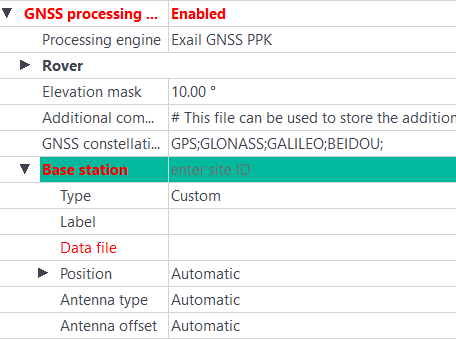
| 3. | Click on Data file field and select the base station data file (Rinex file). Then the data of the base station are automatically displayed. |
The base station parameters are now displayed in black color.