Adding an Output Rate
| 1. | You have two ways to add an output rate interval in the processing parameters: |
| > | Click on the Output in the Processing panel. Then in the Processing parameters tab ► Output area, select the Add output rate. |

| > | Right click in the Output area in the Processing panel and select Add output rate in the pop-up menu: |
A Rate instruction is added to the Output parameter.
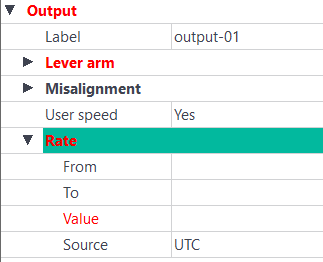
Several Rate instructions can be added to the Output parameter.
| 2. | Enter the values in the corresponding fields. |