Exporting Graphics and Graph Data
Exporting Graphics
You can export one or several graphs that are displayed by Delph INS Subsea. You can copy the graph to the clipboard of your computer and then paste it in any application of your choice.
|
1.
|
Right click on the graph that you want to copy and select Copy graph to clipboard. |
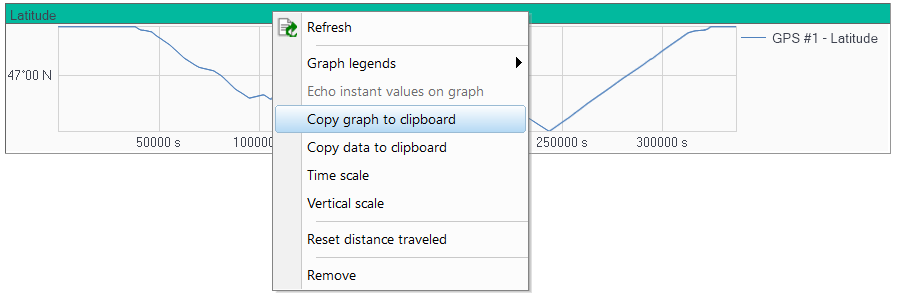
|
2.
|
In any application of your choice (application which can receive the content of the clipboard) use the paste function to insert the graph. |

|
The graph is copied under a vector format. It can be edited by drawing applications.
|
Exporting Graph Data
Numerical values of the graphs may be copied and pasted in Microsoft Excel or other applications. The result is displayed in five columns:
|
>
|
Number of values in pixel |
|
1.
|
Right click on the graph that you want to copy and select Copy data to clipboard. |
|
2.
|
In any application of your choice (application which can receive the content of the clipboard) use the paste function to insert the graph. |